Beyond the Sandbox: Why Chrome Extension Proctoring Fails in 2026 and How Deep Systems AI Restores Exam Integrity
The global shift toward digital assessments revolutionized education and corporate hiring, enabling institutions to evaluate candidates anywhere in the world. As detailed in our guide on switching from paper to online exams, digital transition eliminates physical logistics, reduces grading overhead, and streamlines evaluation pipelines. However, as the ecosystem matured, so did the sophistication of assessment evasion.
For years, lightweight browser extensions were hailed as the default solution for online invigilation. Installed with a single click from the Chrome Web Store, these scripts promised seamless browser lockdown, webcam tracking, and tab-switch prevention.
Today, that promise is broken.
Standard Chrome extension proctoring operates within a sandboxed environment that makes it fundamentally blind to modern evasion techniques. From hardware-level display splitters to OS-level neural overlays, candidate cheat vectors have evolved far beyond basic tab switching. Understanding why browser sandboxes fail and how dedicated platforms like Proctor Plus bridge the gap is essential for any organization administering high-stakes evaluations.
The Chrome Sandbox Illusion: Why Extensions Are System-Blind
To understand why extension-based, proctoring tools are fundamentally limited in their capabilities, one needs to understand the architecture of any modern web browser. Google Chrome, in particular, has a built-in security feature called V8 Execution Sandbox. This sandbox ensures that any scripts running in a browser tab cannot observe or tamper with processes outside of that tab.
While the sandbox is helpful for making sure that users can’t accidentally let a website harm their computer, it also drastically limits the ability for proctoring software to be effective in three particular ways.
1. The macOS and Windows Window Privacy Filters
When a Chrome extension requests screen capture via the standard navigator.mediaDevices.getDisplayMedia() API, it does not receive a raw feed of the graphics processing unit (GPU) buffer. Instead, it receives an abstracted stream delivered by the operating system’s window manager. Modern desktop operating systems allow background applications to flag their windows with privacy attributes (such as NSWindowSharingTypeNone on macOS or SetWindowDisplayAffinity on Windows).
When an overlay application—such as a local AI assistant or teleprompter—runs with these flags enabled, the OS capture stack automatically filters it out. To the Chrome extension, the user's screen looks completely normal, even while an AI answer overlay renders directly over the exam questions.
2. Zero System-Process Visibility
A Chrome extension can utilize internal APIs like chrome.tabs or chrome.management to list other installed browser extensions. However, it cannot enumerate running system processes, inspect active RAM allocations, or detect background executable files. If a candidate runs a hidden Python script, an HTTP proxy, or a local Large Language Model (LLM) server in the background, the extension remains completely unaware.
3. Display Protocol and Hardware Bypasses
Hardware-level tampering circumvents the sandboxing of the operating system. In this way, candidates can make use of an extended Display Identification Data (EDID) module emulator plus active HDMI splitters. Using a hardware-level splitter, one can duplicate the monitor signal to another room or a capture card without triggering the second monitor sign-in in the OS. A Chrome extension that is designed to rely on high-level browser APIs for hardware detection and reporting cannot detect video duplication at the signal level.
The Arsenal of Modern Assessment Evasion
The instruments of malice have evolved from simple cell phone utilization or second browser windows to hardware-level and AI-assisted methods in the present day.
Hardware HDMI Spoofing and Capture Cards
Unlike secondary monitors that are set up using the display settings in the OS, hardware video splitters work with the graphics output signal at the lowest level and clone it. The video output is then directed to both the main, visible monitor for the test taker and a hidden or secondary device. Through this device, the test questions can be viewed and responded to via micro earpieces located in the ear canal.
Hypervisor and Kernel-Level Virtual Machines
Some users utilize exam-taking software in a custom virtual machine hosted through a hypervisor such as KVM or type-1 hypervisors. By compromising or altering key signature files within the hypervisor, the virtual machine OS believes that it is interacting with actual hardware. The test-taker then runs the virtual machine with one display while performing searches and AI queries on the host machine, which is undetectable by the virtualized browser.
Local LLM Overlays and OCR Readers
Instead of connecting to a remote server to utilize large language models, some test-takers use locally run quantized instances of neural networks hosted directly on the GPU. By utilizing OCR readers to access the video output of the screen itself, they can input that data directly into a local LLM and receive answers through overlays that do not register with the browser or operating system.
How Modern AI Proctoring Restores Total Exam Integrity
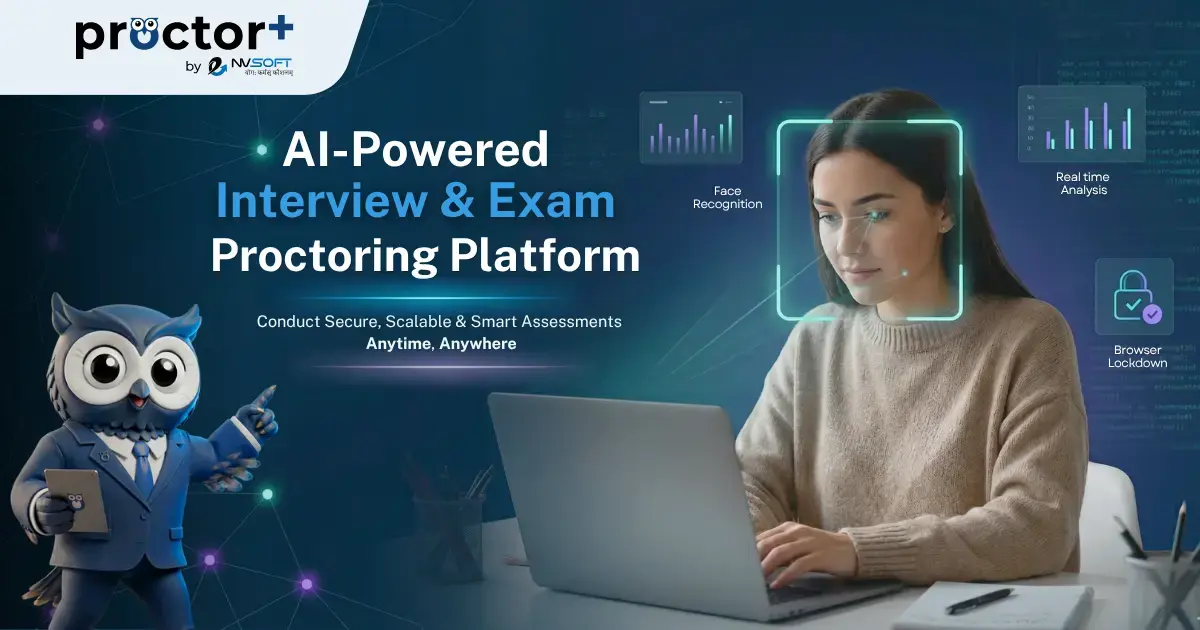
Solving these structural vulnerabilities requires moving beyond basic browser monitoring and adopting deep, multi-modal assessment security. Platforms built for modern threats such as ProctorPlus, combine deep system verification with behavioral AI to eliminate security gaps across the entire hardware and software stack.
1. Multi-Modal Behavioral Vectors and Gaze Tracking
When hardware splitters or stealth overlays make secondary screens invisible to standard software, human physics become the new forensic frontier. Test-takers utilizing off-screen assistants or displays tend to display telltale behaviors such as the following:
Gaze Vector Triangulation: Computer vision algorithms trained on focal depth and eye movement patterns can identify repeated glances at specific off-screen coordinates
Micro-Head Tracking: Slight head movements while reading questions can indicate the use of secondary focal planes
Audio Spectral Analysis: Neural networks can filter out environmental noises to identify human speech patterns, whispers, or electronic text-to-speech audio from nearby devices
2. Native System and Hardware-Level Verification
Rather than operating within the constrained V8 JavaScript runtime, next-generation assessment engines deploy native environment checks prior to test initialization:
Process Enumeration and Memory Checks: Scans active background processes, terminating unauthorized executable routines, virtual machine drivers, and remote desktop daemons.
GPU Buffer and Display Topology Inspection: Interrogates low-level graphics drivers to identify hardware-cloned display ports, active virtual display drivers, and hidden capture devices.
Continuous Biometric Identity Verification: Performs ongoing facial feature matching throughout the evaluation session to ensure candidate continuity and prevent seat-swapping or proxy takeover during breaks.
The Path Forward for Institutions and Enterprises
As AI and spoofing technology become more accessible, the use of Chrome extensions as protective measures is a false sense of security. Institutions must turn to secure assessment environments that can verify the digital and physical assessment environments.
By adopting multi-layered AI monitoring platforms like Proctor Plus, educational organizations and corporate hiring teams ensure that assessments remain fair, transparent, and accurate reflections of candidate merit in an AI-driven world.