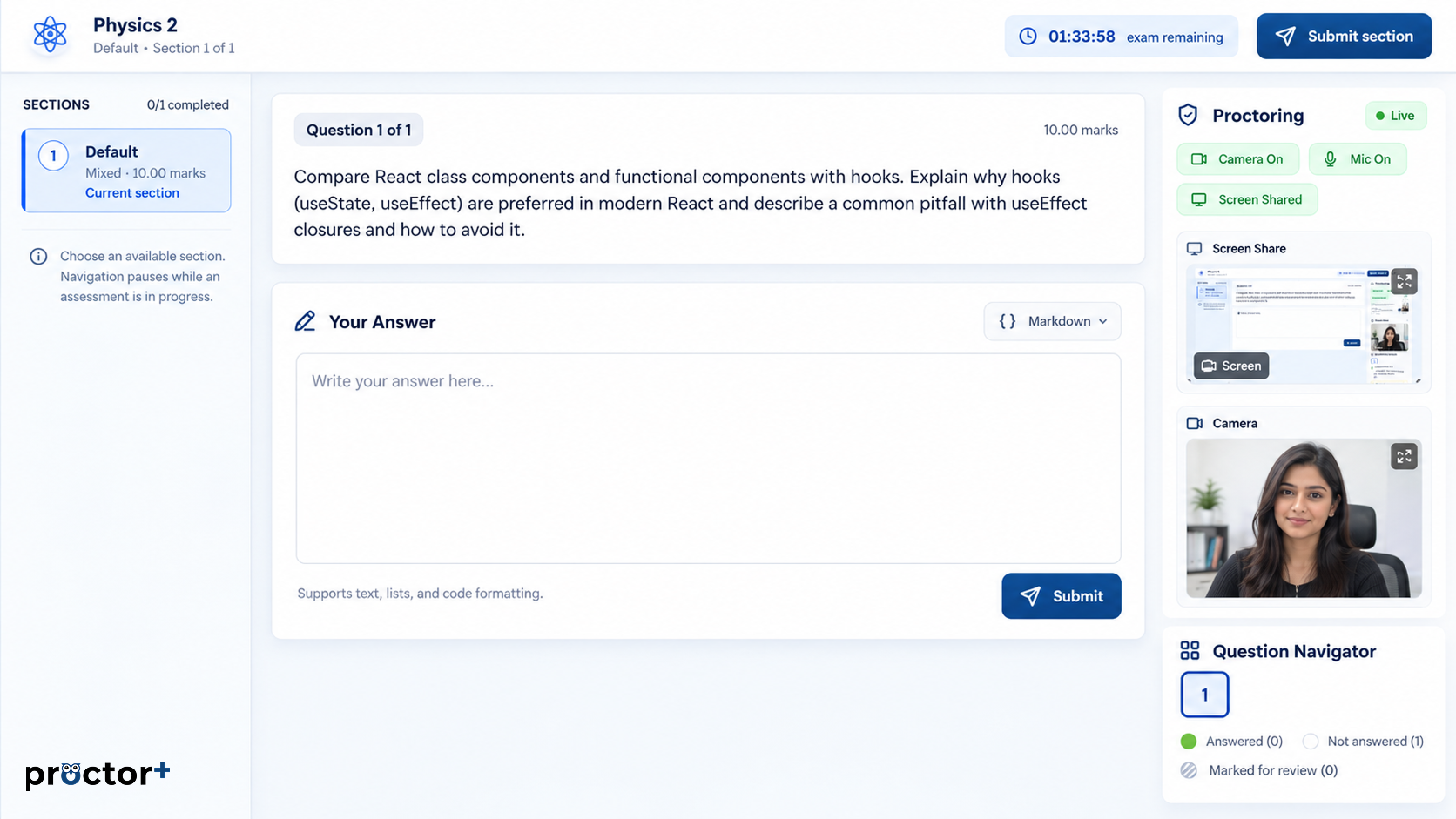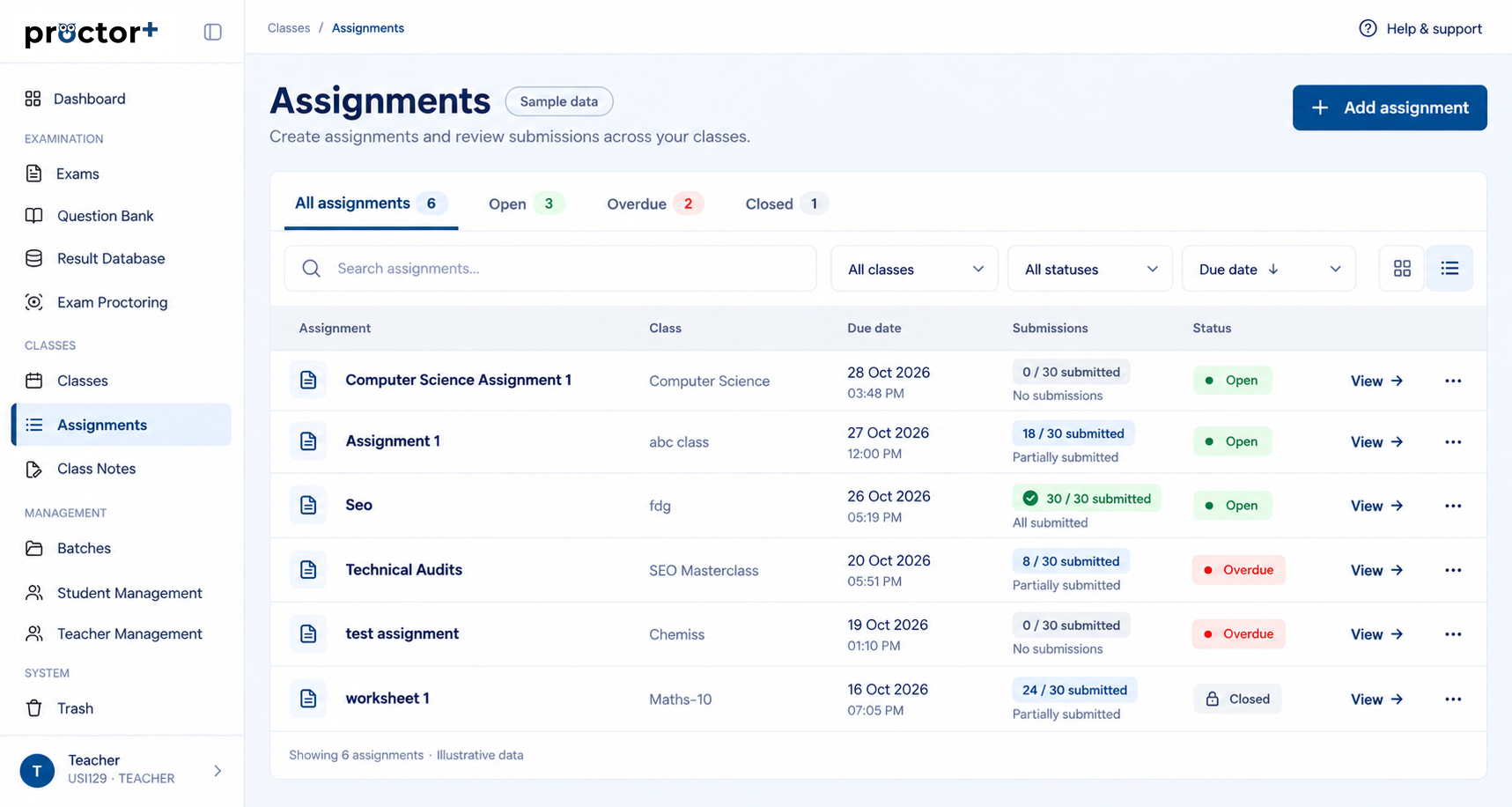
See the outcome in context
Connect student performance with the assessment it came from.
Campus · Results
Review performance across exams, viva and assignments, then publish student outcomes through your institution?s approval process.
Your institution stays in control of the process.
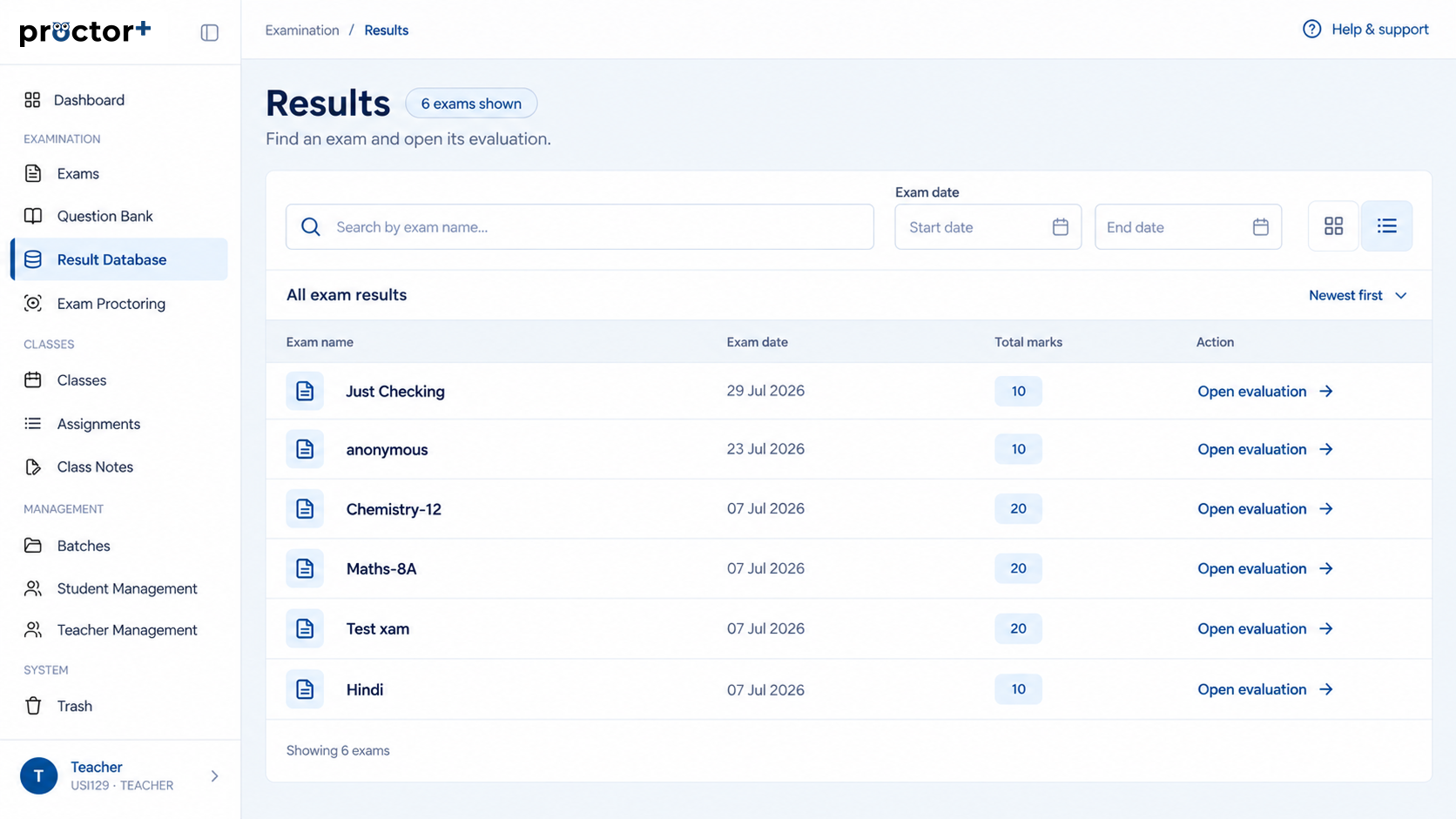
Connect student performance with the assessment it came from.
Give your team a consistent place to examine the results.
Publish outcomes through your institution’s review process.
Built around your next step
Keep the purpose, the activity and the review connected throughout your academic workflow.
Explore Campus01 / Assessment
Foundations of science
02 / Review stage
Examiner review
03 / Publication
After institutional approval
How it works
Complete the assessment and gather the evaluated work.
Check the outcomes with the appropriate academic team.
Share student outcomes after the required review.
Review performance across exams, viva and assignments, then publish student outcomes through your institution?s approval process.
Your institution should confirm its review and publication workflow during the demo. This design does not imply automatic publication.
Book a demo to discuss your institution’s needs and confirm the available workflow.
Walk through the tools that matter to your institution.